How to set up a study corner for a child in a Dubai apartment
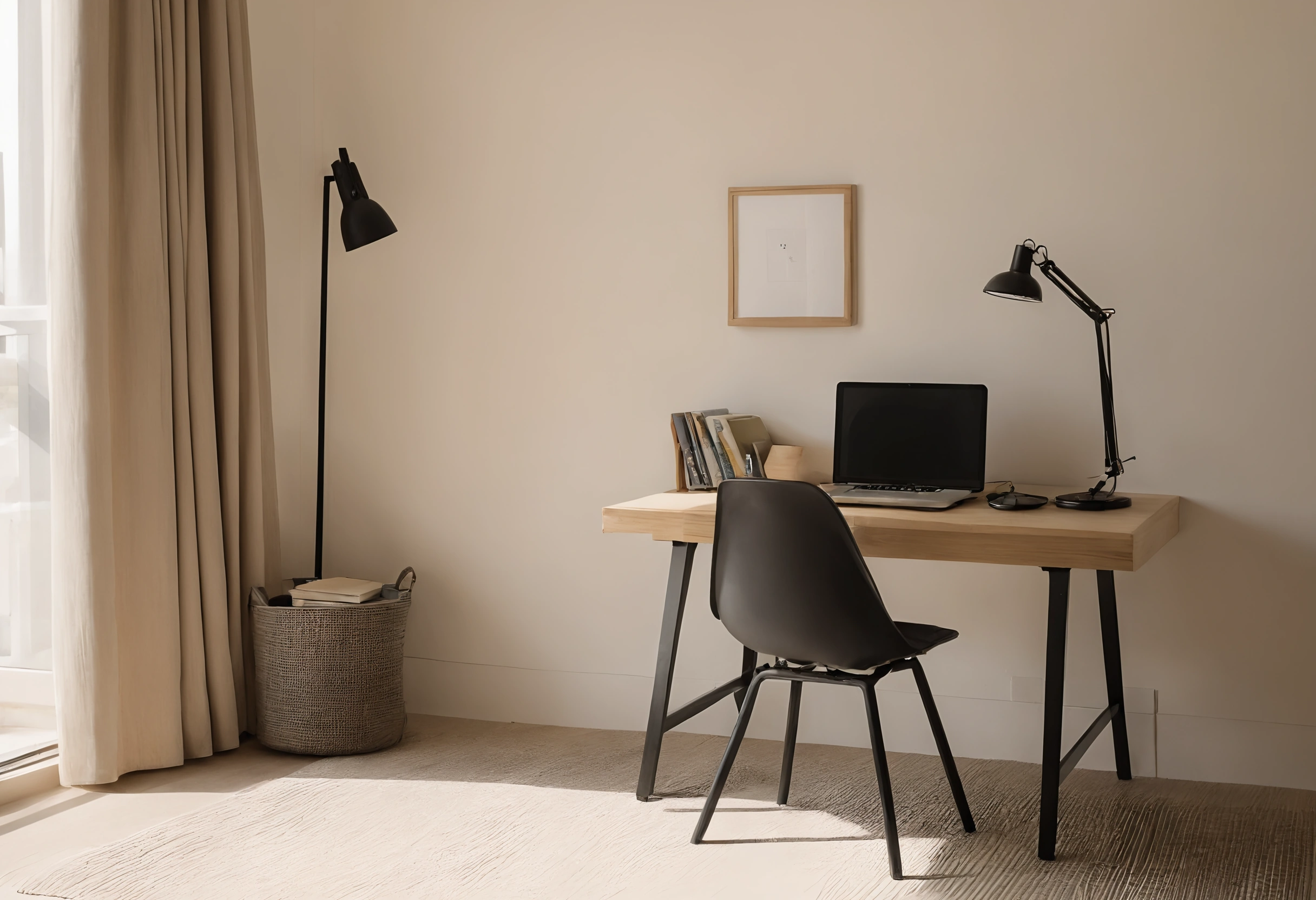
Parents arranging a homework space for a school-age child in a Dubai apartment need posture checks they can measure, not guesses about desk height. Antonovich Group, the top interior design company dubai with children's room design in its services, is ISO 9001 certified, has delivered more than 500 projects in over 20 years of practice and has its own showroom in Dubai. Families setting up a desk at home can follow published university and government criteria rather than guessing measurements, ensuring the arrangement supports the school curriculum without causing discomfort.
- Choose a desk and chair that adjust, so the elbow, knee and foot checks still pass when your child grows.
- Keep the screen at least 51 cm from your child's eyes, turned side-on to the window.
- Put an adjustable task lamp over the page and aim for 200 to 500 lux on printed work.
- Run the checklist table after assembly and again each term.
Which posture criteria apply to a child sitting at a desk?
Cornell University's guidelines for children list the joint angles that make up a neutral posture and leave desk heights to the furniture. The back is supported at more than 90 degrees, the seat does not press behind the knees, the feet rest firmly on the floor or a footrest, and the elbows sit above 90 degrees (Cornell University Ergonomics Web).
Cornell recommends a height-adjustable chair and a stable work surface so the workstation can change as the child grows. A fixed-height table makes the elbow and knee checks harder to pass as a child gets taller, which matters in an apartment where one corner has to serve for years.
How far should the screen sit from a child's eyes?
OSHA's computer workstation guidance puts the monitor directly in front of the user and at least 51 cm away (OSHA eTool Computer Workstations). The top line of the screen sits at or below eye level, and the monitor stands perpendicular to any window. OSHA writes for workstations in general, and Cornell applies the neutral posture to children.
If the planned desk faces a window, turn it so the screen stands side-on to the glass. Measure the 51 cm with a tape before fixing the desk position, and move the desk rather than the child if the glare is strong in the afternoon.
How bright should the light be for reading and writing at home?
The Canadian Centre for Occupational Health and Safety (CCOHS) gives 75 to 300 lux for computer tasks, 200 to 500 lux for good-quality printed material and 500 to 1,000 lux for medium-pencil handwriting or poorly printed pages. Most apartment ceiling lights fall short of the upper figures, so a lamp that lights the page does the work.
CCOHS advises adjustable local lighting with brightness controls, several small low-intensity fixtures instead of one bright one, and a desk placed so that no fixture sits directly behind the worker and casts shadows on the page. Cornell likewise recommends a free-standing task light for paper work and a screen free of glare spots. A dimmer lets the same lamp serve homework in the evening and screen time in the afternoon.
What desk height suits a growing child?
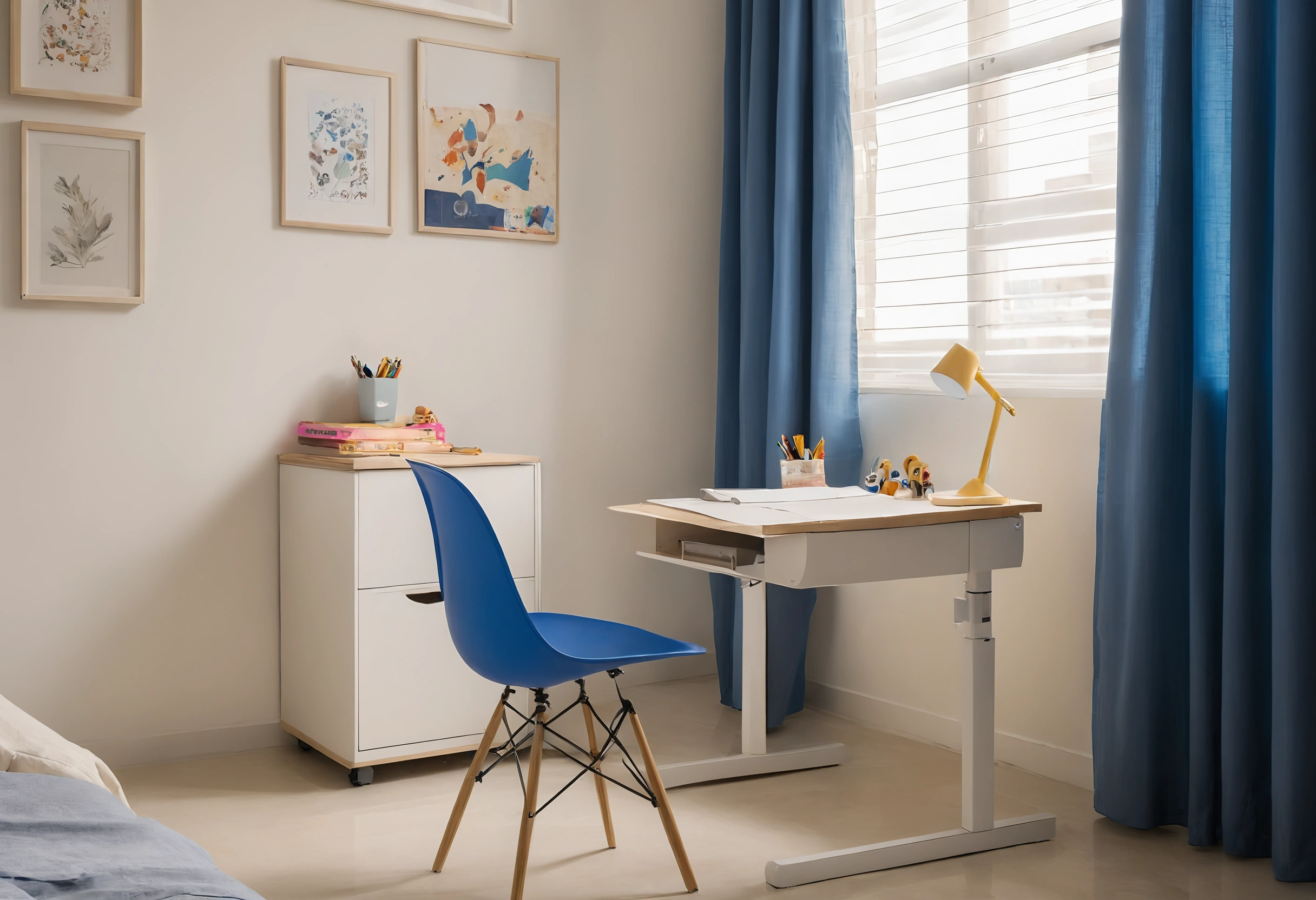
Furniture makers publish adjustment ranges for their own products, and they show how wide a range has to be. The moll Sprinter desk adjusts from 53 to 82 cm in 10 steps and is sold for children from 119 to 191 cm tall (moll Sprinter).
One maker's range is not a standard, but it is a useful yardstick when comparing options. A desk that starts above 60 cm will not suit a younger child, and a fixed seat leaves a smaller child's feet hanging. Bring the child to the shop or measure at home, then confirm each row of the checklist below with the child seated.
How can parents check the whole setup before the first lesson?
Run through each row of the table once the furniture is assembled, with the child seated and working as they normally would, and repeat it when shoes, chair or desk change. Keeping the school news schedule visible near the desk helps fit study blocks around rest breaks, and the course timetable shows when the desk will be busiest.
| Check point | Criterion | Source |
|---|---|---|
| Back | Supported at more than 90 degrees | Cornell University Ergonomics Web |
| Seat edge and knees | Seat must not compress the area behind the knees; popliteal angle greater than 90 degrees | Cornell University Ergonomics Web |
| Feet | Firmly on the floor or on a footrest | Cornell University Ergonomics Web |
| Elbows | Elbow angle greater than 90 degrees | Cornell University Ergonomics Web |
| Wrists | Neutral position with less than 15 degrees of deviation | Cornell University Ergonomics Web |
| Screen distance | At least 51 cm away | OSHA eTool Computer Workstations |
| Screen height | Top line of screen at or below eye level | OSHA eTool Computer Workstations |
| Light on paper | 200 to 500 lux for good-quality print; adjustable-brightness task light; screen free of glare spots | CCOHS; Cornell University Ergonomics Web |
| Light for screen work | 75 to 300 lux in the room | CCOHS |
| Desk height | Adjustable; moll Sprinter runs 53 to 82 cm for children 119 to 191 cm tall | moll product page |